
Digital eye strain
Understanding Digital Eye Strain
Symptoms, causes, and the line between an ordinary tired afternoon and something worth having examined.
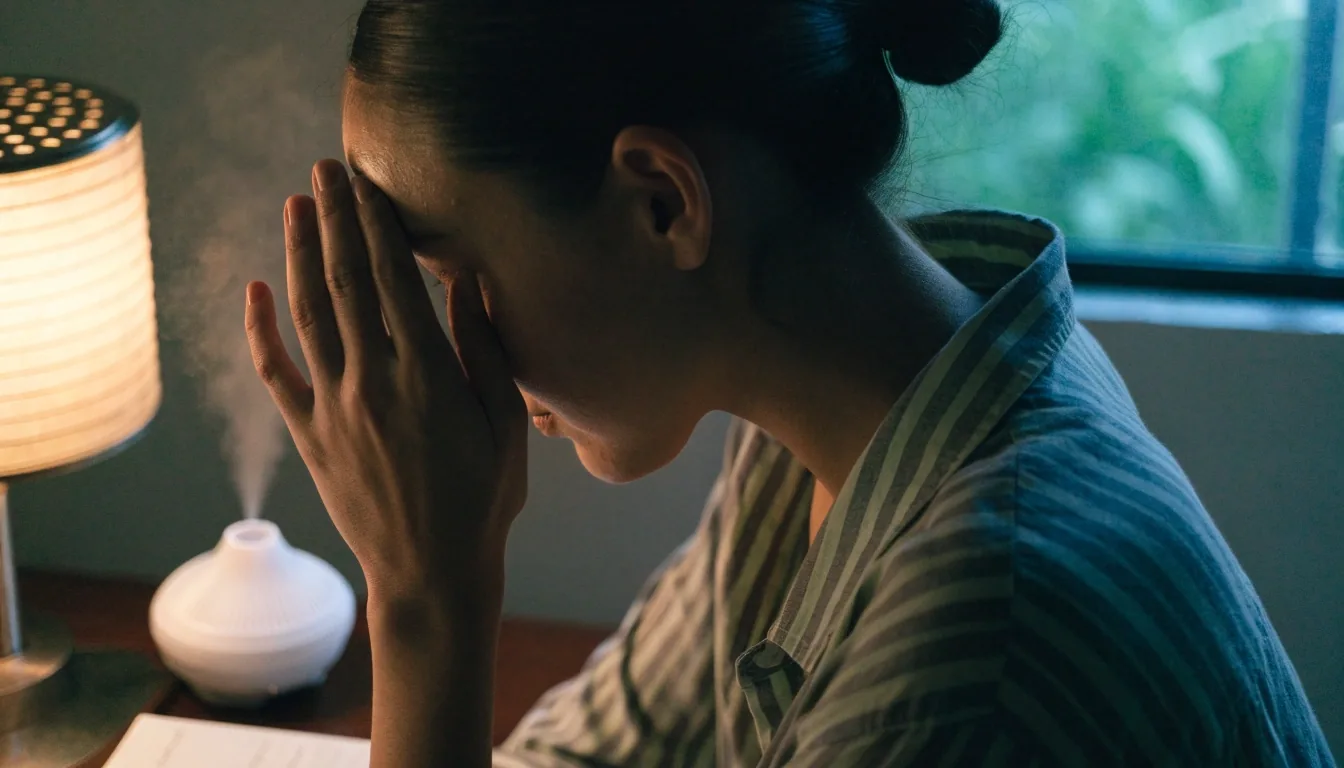
Sustained screen time shows up first as burning, dryness, or focus that will not hold.
Start with the symptomsDigital eye strain is the collection of symptoms that show up after sustained screen use. It is common, it is usually not dangerous, and it is often fixable with changes to how and where you use your screens.
This page helps you tell ordinary fatigue from something worth having examined.
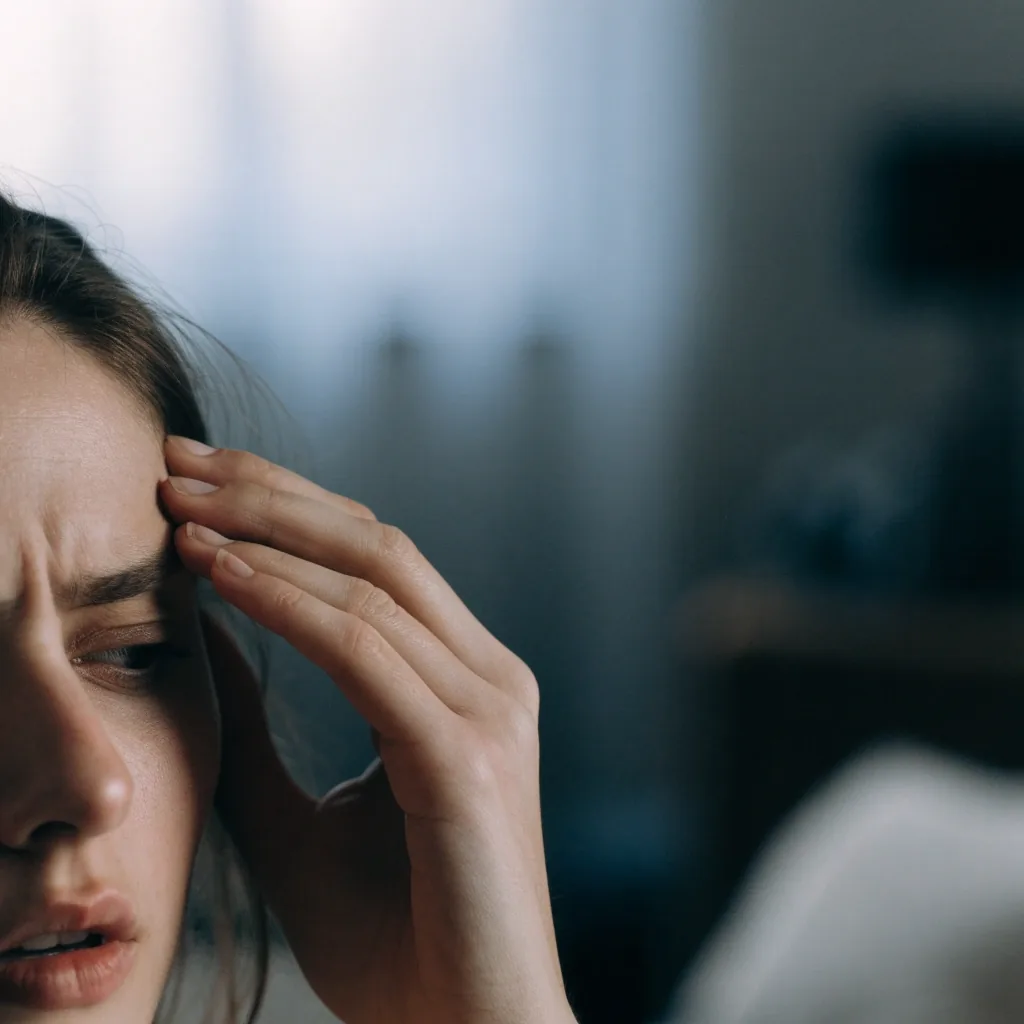
The symptoms people actually report
The most frequent complaints are dryness and a gritty sensation, followed by blurry vision that clears when you blink or look away, and a dull ache around the eyes or temples. Some people notice sensitivity to light or difficulty keeping focus at the end of the day.
The pattern matters more than any single symptom. If discomfort builds through screen sessions and eases with rest, that points toward strain rather than an unrelated problem.
Dryness, grittiness, a hot feeling
Most common
Blur that clears when you blink
Tear film thinning
A dull ache behind the eyes or temples
Sustained near focus
Light sensitivity by late afternoon
Glare and contrast
Difficulty keeping focus at the end of a session
Focus muscle fatigue
If a symptom only appears on the busiest screen days, note that too. The pattern is the useful part.
The blink reflex
Why blinking slows down on screens
When you concentrate on a screen, your blink rate drops, and the blinks you do take are often incomplete. Each blink normally refreshes the tear film that keeps the eye surface smooth and comfortable. Fewer, shallower blinks mean the film breaks up faster, which is why dryness shows up early even in people who never had dry eyes before.
This is the single most useful thing to understand about screen-related discomfort. It also explains why the fix rarely starts with a product. The blinking reflex responds to where your attention is, not to what you buy.
Margin note
The eye does not have a "screen mode." It just blinks less when your attention is pinned, and the surface dries out faster than you would notice.
Dry indoor air pulls moisture from the eye surface. A mist column beside your keyboard is one small correction.
Near focus keeps muscles working
The focusing muscle has no rest position at close range.
Reading at close range, whether on paper or a screen, holds the focusing muscle in a sustained contraction. Unlike looking into the distance, near work does not give that muscle a break unless you deliberately look away. Hours of near focus produce the tired, heavy feeling many people describe by late afternoon.
Distance viewing, even briefly, is what releases it. Looking across a room for twenty seconds is not a wellness ritual; it is the only position that lets the muscle relax. That is the principle behind the 20-20-20 rule, and it is worth understanding before you try to follow it.
Glare, contrast, and lighting
Poor contrast between text and background makes the eye work harder to resolve letters, and glare from a window or overhead light adds a second layer of effort. Cleveland Clinic lists screen use, poor lighting, glare, and insufficient contrast among the common triggers. None of these requires expensive equipment to fix, which is why they are worth checking before anything else.
Start with what is behind you
A window directly behind or in front of a screen forces the eye to balance two brightness levels at once. Turning the desk ninety degrees, or closing a blind through the brightest part of the day, removes that problem without buying anything.
Check the screen's own contrast
Grey text on a light background is one of the most common causes of afternoon fatigue. Push the text darker and the background calmer.
Then the room light
A single bright lamp beside a dim monitor is worse than a room lit evenly. Bounce light onto the wall rather than into your face.
Air-conditioned rooms keep the office comfortable and the eye surface dry.
Dry eyes make everything worse
If you already have dry eye, screen use tends to amplify it. Mayo Clinic notes that dry eyes can make eyestrain worse, and the two problems feed each other: less blinking worsens dryness, and dryness makes the eye more sensitive to the effort of focusing. Air-conditioned rooms add to this, since dry indoor air pulls moisture from the eye surface.
This is why lubricating drops sometimes help more than a break does. If the surface is already dry, a two-minute walk to the window will not fix it. A few people also find that indoor humidity, not drops, does most of the work. Both are worth trying before assuming the problem is screen brightness.
Margin note
If you find yourself leaning in, or tilting your head to read the same screen you read last year without effort, the glass in front of your eyes has probably changed.
Uncorrected vision hides in plain sight
A refractive error you have not corrected, or one that has drifted, can turn mild screen work into a strain. People often adapt by squinting or leaning closer without realizing it. If your fatigue feels out of proportion to your screen time, or you notice yourself moving closer to read, an eye exam is a reasonable next step rather than another settings change.
And a note about blue light: the evidence page on this site covers what the research actually says, because the answer is less dramatic than most advertising suggests. Filters are not the same thing as fixing focus or glare.
A long reading session in poor light and a long commute produce the same tiredness. The eye does not care which task caused it.
Screens get most of the attention, but Mayo Clinic lists reading without breaks, driving, bright light, and dim light as causes of eyestrain too. Long reading sessions in poor light produce the same symptoms as screens, and driving demands constant focus changes. If you are tired after a commute or a study session rather than a workday, the same underlying mechanisms are at play.
That is worth knowing because the fix is not always about your laptop. Alternating near focus with distance is the underlying principle behind every one of these cases. Reading on paper, driving, and staring at a monitor all pin the eye to a single working distance.
Ordinary fatigue versus something to check
Most strain improves within minutes to an hour of rest, and it does not come with lasting changes to your vision. Signs worth taking to a professional include persistent blurring, double vision, eye pain that does not ease, frequent headaches, or discomfort that continues even on low-screen days.
Eases with rest
Symptoms fade within minutes to an hour after you step away from screens. This is the ordinary pattern.
Builds through the day
Discomfort grows as screen hours accumulate and stops growing once you look away. Worth managing, not alarming.
Persists on quiet days
Still there when you barely used a screen. This is the pattern worth describing to an eye care professional.
This site cannot diagnose anything. It can help you describe what you are experiencing more precisely.
Questions readers ask
The three questions visitors send us most often after reading this page.
If your question is not here, our editorial team answers written queries during working hours.
Is digital eye strain the same as computer vision syndrome?
They describe the same cluster of symptoms. Computer vision syndrome is the older term, and digital eye strain is now the more common phrasing because phones and tablets cause it just as often as desktop computers.
How long does it take to recover?
Simple strain usually eases within minutes of looking into the distance and resting your eyes. If discomfort lasts for hours after you stop using screens, that is worth mentioning to an eye care professional.
Can eye strain damage my eyes permanently?
Current guidance treats screen-related strain as uncomfortable rather than damaging, and it typically resolves with rest and better habits. Persistent or worsening symptoms should still be checked, because they may point to a different cause.
Where to go from here
If the pattern above matches your afternoons, the next two reads on this site are the most useful: how to build actual screen breaks, and how to fix the lighting and distance that make them harder. Both pages stay on the same factual line as this one.
Still unsure?
Our editorial team answers written questions about screen-related discomfort during working hours. Bring the pattern you are seeing, not a diagnosis.
Contact us