
A practice guide for long screen days
Screen Habits and the 20-20-20 Rule
The classic advice targets near focus and blinking at once. The strict version rarely survives a deadline — here is the version that does.
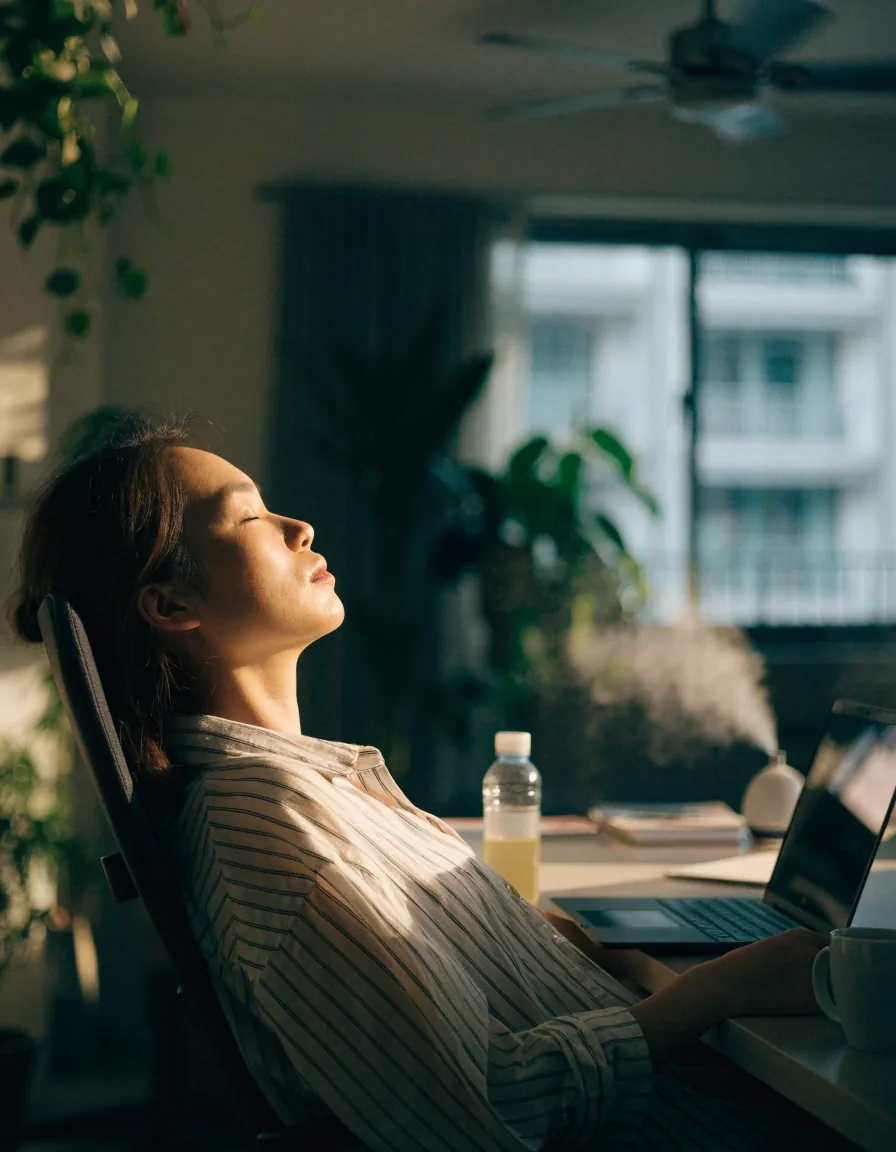
Rigid timers break concentration, and a break you resent is a break you switch off. Anchoring the pause to something that already happens — a meeting ending, a page finishing, a match starting — keeps the rhythm without a countdown running in your head.
What the Rule Actually Does
Looking at something roughly 20 feet away for about 20 seconds relaxes the focusing muscle that stays contracted during near work, and it gives you a chance to blink properly. Both effects matter. The distance component releases the muscle; the pause prompts the tear film to refresh. That is why the rule helps even though it sounds almost too simple to do anything.
The muscle in question is the ciliary muscle, and near focus keeps it working for as long as your eyes stay pointed at the screen. Distance viewing lets it lengthen again. The blinking half is less obvious but just as real: people blink noticeably less often while reading from a screen than while talking or walking, so the tear film thins out and the surface starts to feel gritty by mid-afternoon.
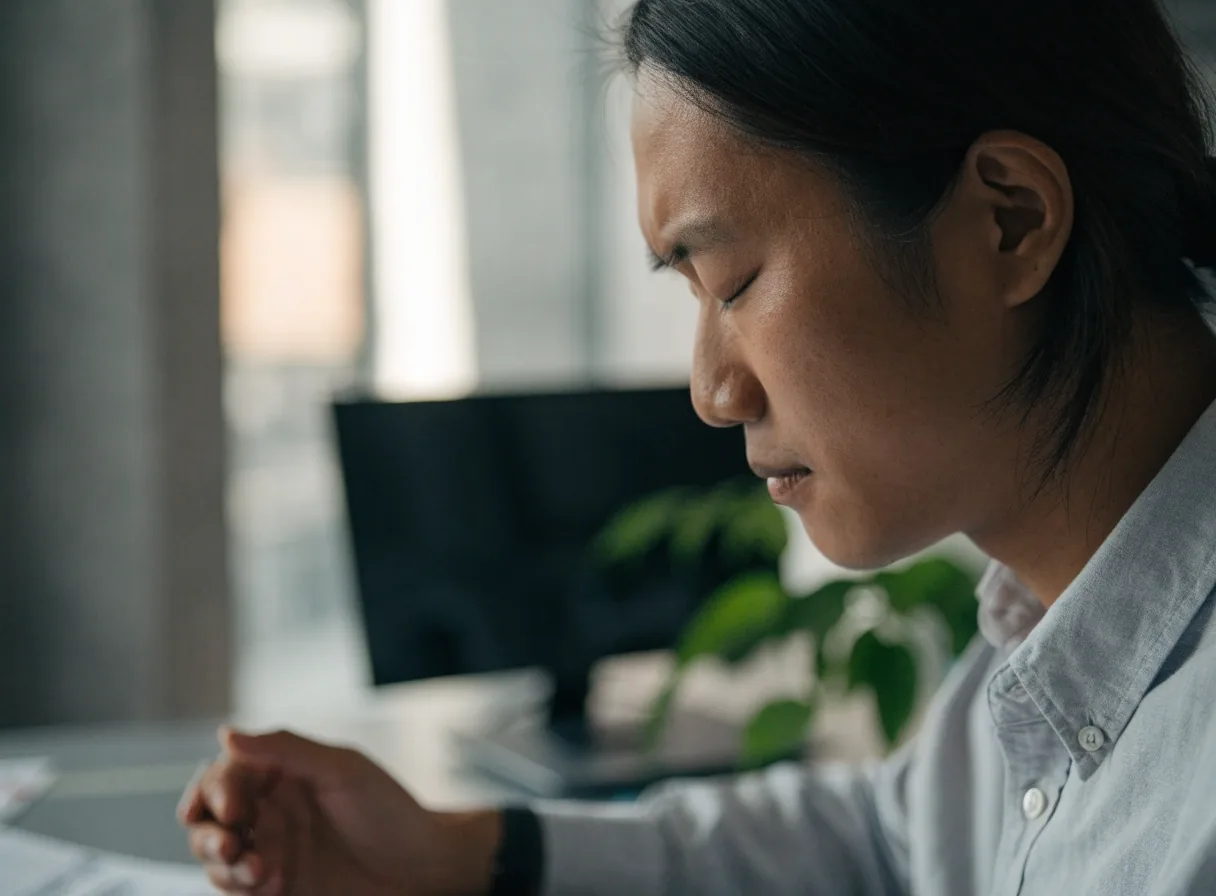
Distance releases the focusing muscle; the pause is what lets you blink a full blink again.
Two causes, one pause
Digital eye strain in screen-heavy work is rarely one thing. It is the ciliary muscle holding tension plus a tear film that never quite recovers. A single look-away pause touches both, which is why the simplest advice on the page is also the one with the most to do.
Why the 20-Minute Interval Fails
Rigid timers interrupt concentration, and anything that interrupts concentration gets abandoned. The 20-minute interval is a useful average, not a rule of physiology.
Long work blocks
If your work arrives in 40-minute stretches, a pause every 25 or 35 minutes still delivers the same benefit. The muscle does not read a clock.
Interrupted flow
A timer that fires mid-sentence teaches you to dismiss it. By the third day the notification is background noise and the habit is gone.
What actually matters
That the pause happens at all, and that it happens often enough across the day. Frequency beats precision.
Anchoring Breaks to Things You Already Do
The most durable way to remember is to attach the pause to something that already occurs. You do not need to count anything. Each anchor you add is one more natural break, and together they add up to a reasonable rhythm without a timer running in the background.
The end of a meeting
The call ends, the window closes, and you already look away from the screen for a second. Turn that second into twenty and look at the far wall or out the window before you reopen anything.
The bottom of a page
Scrolling ends somewhere. Use the moment you reach the end of a document or a long thread to let your eyes travel across the room before you start the next one.
Water and loading screens
Refilling your glass already pulls you upright and away. A loading bar is free time. Both are moments the day hands you, and neither needs a reminder app.
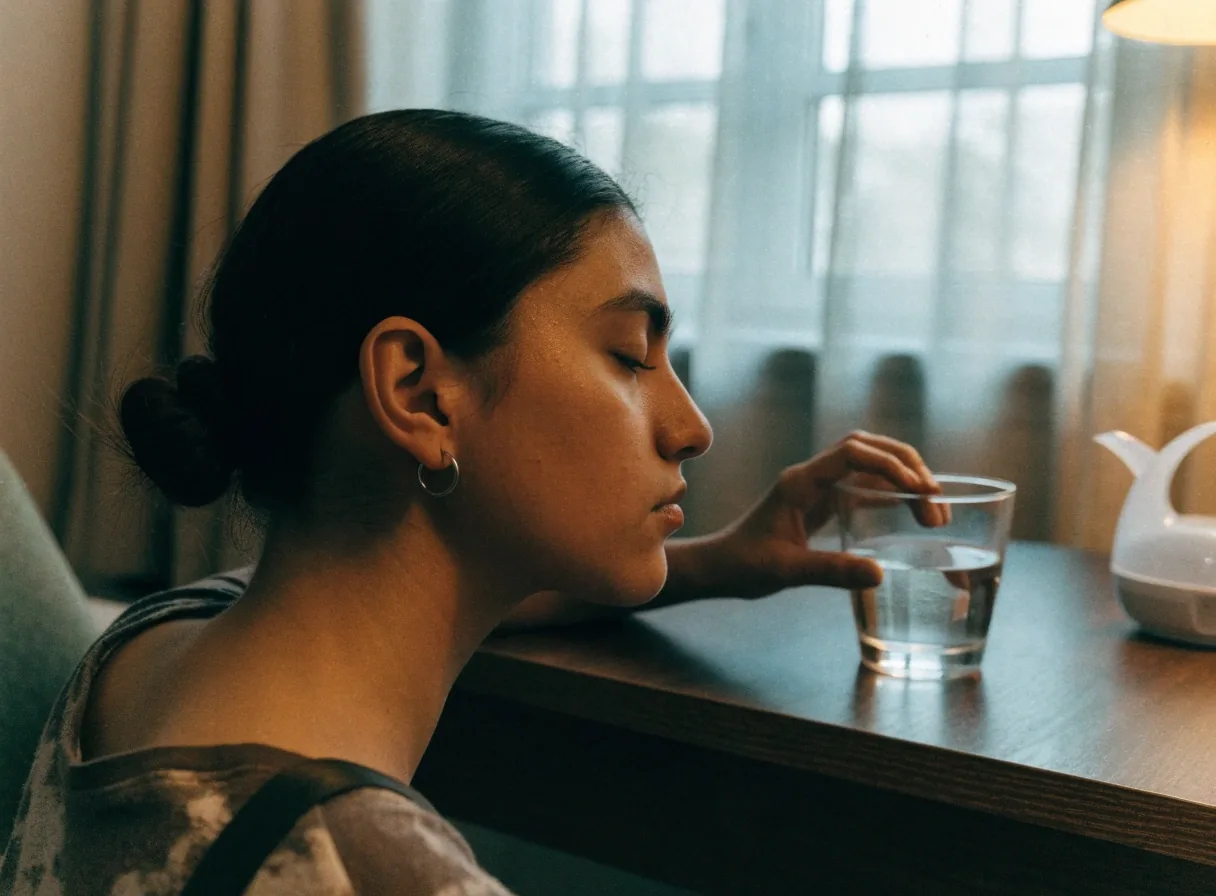
A count you stop keeping
Start with one anchor you cannot miss and add a second only after the first is automatic. Four reliable pauses across a working day do more for eye comfort than a perfect schedule you abandon by Wednesday.
Breaks During Study Sessions
Exam preparation is where breaks get skipped most often.
Reading for hours in dim light produces the same strain as screen work, and the symptoms compound when the material is difficult. Difficult material also slows reading, which means the eyes stay locked at near distance for longer without anyone noticing.
A practical approach is a look-away pause between chapters or problem sets, plus one longer break each hour. Stand up for the longer one; a change of posture does more than a change of screen. Students who pace their reading this way often keep more of what they read, which is a side benefit that has nothing to do with the eyes.
If you study from printed pages instead of a screen, the rule still applies — the strain comes from sustained near focus, not from the display itself. Dim rooms make it worse, so a desk lamp angled to avoid glare on the page matters as much as the pause schedule.
- Between chapters — a 20-second look across the room before you turn the page.
- Each hour — one longer break, standing, away from the desk and the notes.
- Late evenings — swap the desk lamp for room light and shorten the session instead of pushing through.
Breaks During Gaming
Games resist interruption, so the break has to fit the format. Nobody pauses a ranked match to stare at a wall, and nobody should have to. Use the moments the game already gives you.
Loading screens and respawns
Five to ten seconds of distance viewing is enough to reset focus and blink. Look past your monitor, not at a second screen.
Lobby waits and between matches
Queue time is dead time anyway. Roll your shoulders, refocus on the far side of the room, then re-queue.
Every hour of play
Take a real break: stand up and look out a window rather than picking up your phone.
Marathon sessions are usually a symptom of something else — the match is going well, or badly. If you notice your eyes burning at hour four, the honest answer is that the session itself ran long, not that the last break was too short.
Gaming at night adds a second factor: a dark room and a bright display force your eyes to keep adapting between two very different luminance levels.
A small, strange-sounding habit
A handful of full blinks at each pause does more for comfort than any screen setting.
Conscious blinking sounds odd until you try it. A few deliberate, full blinks every so often restore the tear film faster than waiting for dryness to build. Partial blinks — the quick half-closes people do while reading — spread the tear film unevenly and still leave the surface dry.
This matters most in air-conditioned rooms, where the air pulls moisture from the eye surface. You do not need to do it constantly; a handful of complete blinks at your regular pauses is enough to make a difference.

Cold, dry air moves moisture away from the eye surface — the humidity reading in the room is part of the comfort picture.
Working in Air-Conditioned Offices
Jakarta office towers and shared workspaces run cold and dry, which is exactly the environment that worsens screen dryness. Sitting directly under a vent or in the path of airflow makes it worse, because moving air keeps replacing the thin layer of moisture that normally sits above the eye.
If moving desks is not possible, a humidifier nearby and a lubricating drop when you feel the grit starting are the supportive measures clinic guidance points to. Neither replaces the pause-and-blink habit; they simply stop the room from undoing it.
If you sit under a vent
- Angle the vent away or ask facilities to redirect it before you change anything else.
- Keep a small humidifier on the desk, a metre or so from your face, not directly in front.
- Keep lubricating drops within reach so the first sign of grit gets a response, not a shrug.
Read the full room setup guide for lighting, glare and viewing distance.
Understand dry eye and dropsMaking the Habit Survive a Busy Week
Habits collapse when they depend on memory and willpower. Put the pause where you cannot miss it: a sticky note on the monitor, an app that dims the screen briefly, or a colleague who also takes breaks. Review at the end of a week whether you actually paused, and adjust the anchors rather than the intention.
One reliable break is worth more than an ambitious schedule you drop by Wednesday. If a screen break app helps make the pause automatic, use it — but choose one that dims or reminds rather than locks you out of your work, because a break you resent is a break you will disable.
Start with the rule you can keep
Twenty feet is a guideline for relaxing focus, not a measurement. Looking across the room, out a window, or at the far wall achieves the same thing.
If you cannot see 20 feet from where you sit, that is fine. Pick the farthest calm point in the room and let your eyes rest there for the count.
Adjust the anchor, not the intention
If the Friday review shows you paused twice instead of eight times, the fix is a better anchor — tie the pause to something that already happens — not more discipline. Willpower is the least reliable tool on this page.
Questions people actually ask
Short answers to the three things readers write in about most often.
Does the 20-20-20 rule really help? open close
It helps because it addresses near focus and blinking at the same time. The exact 20-minute interval is less important than pausing regularly and looking into the distance when you do.
What if I cannot look 20 feet away? open close
The distance is a guideline for relaxing focus, not a measurement. Looking across the room, out a window, or at the far wall achieves the same thing.
Do screen break apps work? open close
They can help by making the pause automatic rather than something you have to remember. A dimming or reminder app is most useful if it does not lock you out of your work, since a break you resent is a break you will disable.
Where to go next
Screen breaks handle one half of the problem. The room and the display settings handle the other half, and each guide below goes deeper on one of those threads.